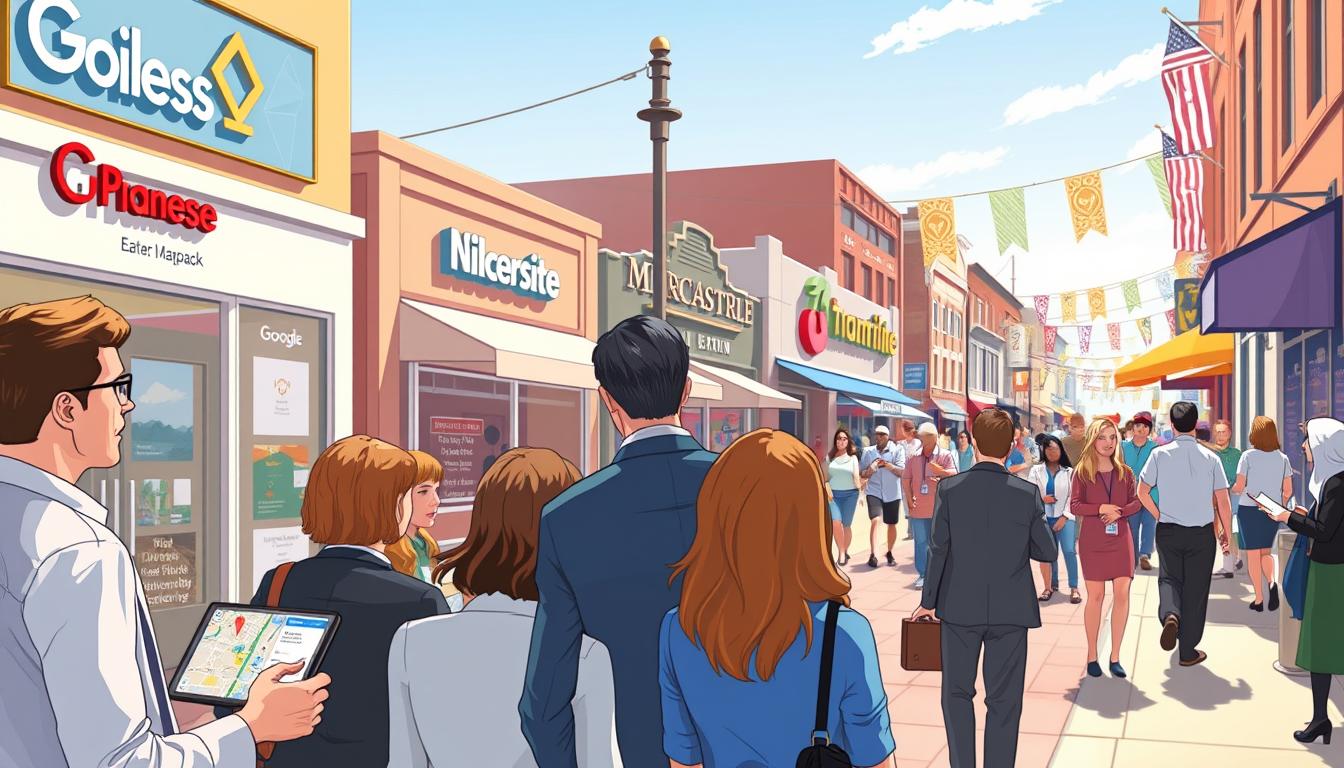
Imagine it’s a big event day. Fans aren’t sitting at their computers. They’re on their phones, looking for answers right now. They might search for “parking near the arena” or “where’s the closest concession stand.”
Where do these urgent searches lead? Mostly to the Google Map Pack. These are the top three listings that show up first. It’s your digital front door when time is of the essence.
This is a big change in how people find what they need. A “near me” search shows they’re ready to act fast. In fact, about 76% of people who search on a mobile for something nearby will visit a business within a day.
By understanding and optimizing for this moment, you become the go-to solution for people on the move. It’s about being found at the exact moment a decision is made.
GBP Setup: categories, attributes, photos, event posts, messaging
Optimizing your Google Business Profile is more than just filling out a form. It’s about creating a trusted guide for your venue. This guide works 24/7 to answer questions and guide fans. A detailed profile shows trust and relevance to Google, boosting your local search visibility.
An incomplete listing performs poorly. Let’s make yours shine.
The Core Components of a Winning GBP
Effective GBP optimization has four key areas. Treat each one with care:
- Categories & Attributes: This is your foundation. Be precise. Choose the right categories like “Stadium,” “Arena,” or “Sports Complex.” Pick the most accurate business categories available. Then, select every relevant attribute like “wheelchair accessible,” “offers onsite parking,” and “public restroom.” This precise matching helps fans find you.
- Photos: Visual proof builds confidence. Upload high-quality, recent images of key areas: main entrances, seating charts, concession stands, and parking lots. These photos help first-time visitors know what to expect.
An updated photo gallery shows your profile is active and cared for. Both fans and search algorithms notice this.
- Event Posts: This is your game-day megaphone. Use event posts to share important, time-sensitive info directly on your profile. Announce special gate opening times, remind fans of the bag policy, or share a promo code for concessions. It’s a direct line of communication on the search results page itself!
- Messaging: Enable the chat feature. This lets you answer last-minute questions about ticket pickup, parking availability, or allowed items in real-time. It turns a static listing into an interactive help desk.
| Feature | Complete & Optimized Profile | Incomplete or Generic Profile |
|---|---|---|
| Categories & Attributes | Appears for precise searches like “wheelchair accessible stadium near me” and “arena with parking.” | Misses critical search traffic by being too vague or lacking key details fans are filtering for. |
| Photos | Builds visitor trust and reduces pre-event anxiety with clear visual guidance. | Creates uncertainty; fans may look elsewhere for venues that feel more familiar and transparent. |
| Event Posts | Surfaces urgent day-of info directly in search, acting as a digital bulletin board. | Forces fans to dig through your website or social media for basic event-day logistics. |
| Messaging | Provides instant customer service, resolving issues before a fan even leaves home. | Leaves simple questions unanswered, potentially leading to negative reviews or missed attendance. |
Every field you fill is a chance to connect. This detailed GBP setup is key to winning local SEO tactics for any public event. It makes sure your venue is the clear, helpful, and authoritative choice when fans are searching on game day.
So, get ready to work. Dive into your profile dashboard and check each section. This hands-on profile optimization work turns your GBP into your most reliable event-day ambassador.
Event-Day FAQ Pages: Your Go-To Resource for Parking, Gates, Bags, and Concessions
An Event-Day FAQ page is your secret weapon for turning frantic fan searches into smooth, satisfying experiences. It’s like a digital concierge, ready to answer questions like “Where do I park for the concert?” or “What time do the gates open?” This isn’t just another webpage—it’s a mission-critical tool built for high-stress moments.
Your goal is to answer urgent parking queries, gate procedures, bag policies, and concession details that spike on game day. Write the answers exactly how people speak. Instead of a formal “Parking Information” section, use a question like, “How much is parking, and which lot is closest to Gate B?” This natural language mirrors voice search patterns and gets straight to the point.
- Parking Made Simple: List every lot, its price, and whether it’s for general, VIP, or RV parking. Include real-time updates for sold-out lots.
- Gate Guidance: Clearly state which gate corresponds to which ticket section or entrance. Mention security checkpoints and estimated wait times.
- Bag Policy Clarity: Specify size limits, clear bag requirements, and prohibited items. Use images or diagrams if possible!
- Concession Intel: Note if venues are cashless, highlight popular food stands, and provide allergen information.
Now, here’s the pro move that makes your FAQ page truly shine: schema markup. This behind-the-scenes code acts like a translator for search engines. It tells Google, “This question is about parking, and this is the precise answer.” When you mark up your Q&A pairs, you dramatically increase the chance of your answers appearing as a featured snippet—that coveted box at the top of search results.
Implementing schema might sound technical, but it’s a game-changer for local visibility. For a deep dive into how it works, check out our guide to schema markup types. It covers everything from local business schema to FAQ structured data.
By combining a conversational, user-focused FAQ page with proper schema markup, you do more than provide information. You provide peace of mind. Fans find instant answers, their stress drops, and they arrive at your event ready to enjoy themselves. That’s a win for everyone!
Local Links and Citations: partners, media, city pages
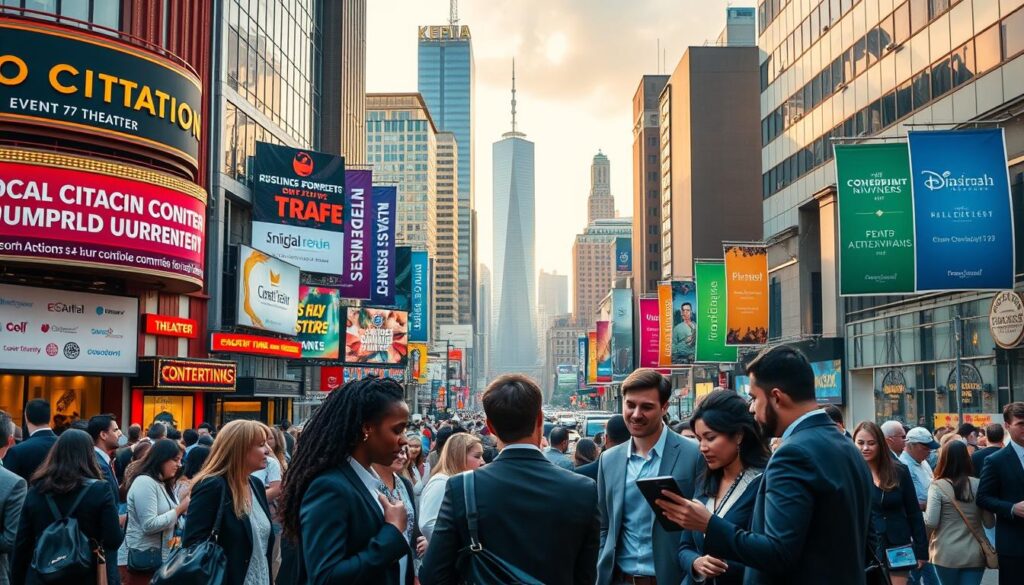
Your venue’s online reputation is built on what others say about you. Google looks for proof that you’re a trusted community member. This is done through consistent citations and quality local links.
Let’s look at two main parts. First, we have local citations. These are online mentions of your business’s basic info: Name, Address, and Phone number (NAP).
These can be found on sites like Yelp, the Chamber of Commerce, and tourism boards. It’s not just about being listed. It’s about being listed correctly and consistently everywhere.
For example, if one site says “Ave.” and another says “Avenue,” it can confuse search engines. This makes your business seem less legitimate. Keeping your NAP info the same across the web is essential.
| Citation Source | What It Does For You | Your Action Item |
|---|---|---|
| Local Business Directories | Establishes basic legitimacy and improves map pack visibility. | Claim and verify listings on Yelp, Apple Maps, and Bing Places. |
| Chamber of Commerce | Signals strong community ties and business credibility. | Join your local chamber and ensure your member listing is accurate. |
| Tourism/Visitor Bureau | Positions you as a destination for visitors and day-trippers. | Submit your venue to be included on local “things to do” and event pages. |
| Industry-Specific Sites | Connects you with targeted audiences looking for venues. | List on sites like WeddingWire (for weddings) or local sports league pages. |
Once your citations are in order, we move on to quality local links. These are backlinks from trusted local websites to yours.
Each link is like a vote of confidence to Google. It boosts your authority for local searches like “stadium events near me.”
Where do these valuable links come from? Local news media is a great source. Newspapers, TV stations, and radio sites are always looking for fresh content.
Pitch them a story about your upcoming event, a community initiative, or unique venue features. A link from their article is incredibly powerful.
Next, aim for links from city and county government pages. Many .gov sites list venues, parks, and event spaces.
Being listed there tells Google you’re an official part of the city. It’s a huge trust signal.
Don’t forget your local partners. Work with hotels on “game-day packages” or restaurants on pre-event specials.
When they link to your ticket or FAQ page, it strengthens your connection to the community. You’re not just building links; you’re building your local story.
Reviews Strategy: prompts, responses, moderation windows
Your event’s online reputation is key. It’s about building trust that convinces local fans to buy tickets. When someone searches for your event, they see those star ratings and comments first. Local testimonials build trust fast and help your search rankings.
Reviews are a critical part of your event-day success. A proactive plan turns one fan’s great experience into a powerful signal for thousands of future visitors. Let’s break this strategy into three manageable parts: smart prompts, thoughtful responses, and vigilant moderation windows.
You should never just hope for reviews. You need a system to encourage them. The key is to make it easy and meaningful for your happy attendees. Send a polite email or SMS a day or two after your event. Link directly to your Google Business Profile review section.
Frame your request around improving the fan experience. For example, “How did we do? Share your thoughts to help us make next year’s event even better!” This approach feels collaborative, not like begging for stars. Encourage happy customers to leave feedback. It really does matter.
Thoughtful Responses: Every Review Deserves an Answer
Always respond to reviews, both the glowing and the critical. This shows you’re engaged and you care about the customer experience. For positive reviews, thank the person and mention something specific from their comment. It shows you read it!
Handling negative reviews is just as important. Address concerns professionally and offer to take the conversation offline to resolve the issue. A public, polite response tells everyone you’re committed to fixing problems. This can actually build more trust than a perfect five-star rating alone.
Moderation Windows: Protecting Your Reputation Before Big Days
In the 24 to 48 hours before a major event, people are scouting reviews. This is your critical moderation window. Be extra vigilant during this time. Quickly flag any spam or fake reviews that violate platform policies.
More importantly, respond to any new negative feedback immediately. A prompt, professional response can mitigate its impact on someone making a last-minute decision. It shows you’re on top of things and value attendee satisfaction.
Putting these three pieces together creates a powerful cycle. You prompt for feedback, you respond to show you’re listening, and you moderate to keep your profile accurate and trustworthy. This proactive reviews strategy does more than boost your star rating. It fills your listing with authentic, recent conversations that convert local searchers into confident attendees.
On‑Site Wayfinding SEO: maps, entrances, ADA info, load time
On-Site Wayfinding SEO makes getting to events easy and stress-free. It’s like your website’s last big job: guiding fans from their phones to their seats. When someone clicks “Get Directions,” your journey together is just starting.
Your first tool is an interactive map on your venue’s website. It’s not just a picture. It’s a live, zoomable map that shows:
- Primary entrances and gate numbers
- Designated ADA accessible routes and entrances
- Ride-share drop-off and pick-up zones
- Key parking lot sections
This map needs to be super easy to use on phones. Fans will be looking at it while moving or in a crowded car.
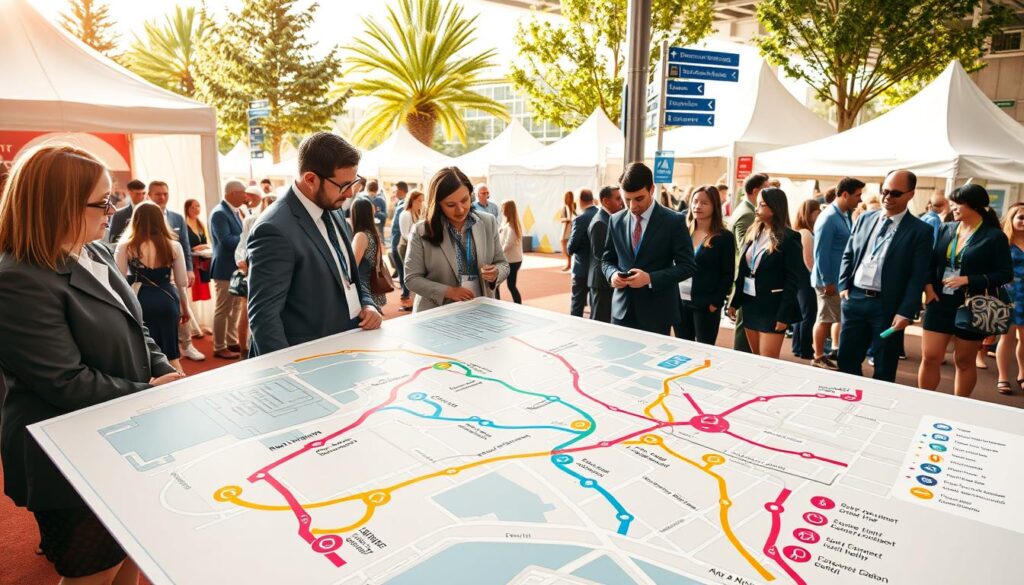
Speed is key. If your page with parking info takes more than 3 seconds to load, fans might get frustrated. Google says slow pages hurt local search success. We need to make these pages fast by removing big images and unnecessary code.
Don’t hide your ADA information. Create a clear section for accessible parking, seating, and restrooms. This helps guests and answers their questions before they arrive. It’s good SEO because it’s really helpful.
Every part must pass the “thumb test.” People use phones on the go, often with one hand. Use big buttons and clear text. Make sure your click-to-call buttons for venue info are easy to find and work fast. The easier it is, the more likely those online directions will lead to real people at your event.
By combining fast pages, a helpful map, clear accessibility info, and mobile-first design, you create a digital bridge. This bridge turns online interest into real attendance, making every directions click important.
Measurement: CTR from map pack, direction taps, call volume, store visits
Want to know if your local strategy is effective? You switch from guessing to using data. Tracking important metrics helps you take action.
Your Google Business Profile Insights and analytics platforms reveal what fans like. Check your CTR from the Map Pack. It shows how attractive your listing is when fans search. Also, watch Direction Taps. Each tap means someone plans to visit your place.
Keep an eye on Call Volume from your optimized phone number. Also, track Google’s estimated Store Visits metric. These numbers show how fans act in real life.
Don’t overlook your event posts. See how many views and clicks your post about parking or bag policy got. Analyzing performance before, during, and after the game helps you understand what fans needed most.
This data is your guide. It shows what works and what doesn’t in the fan journey. Use these metrics to improve your strategy. You’ll make every local search better for fans.